


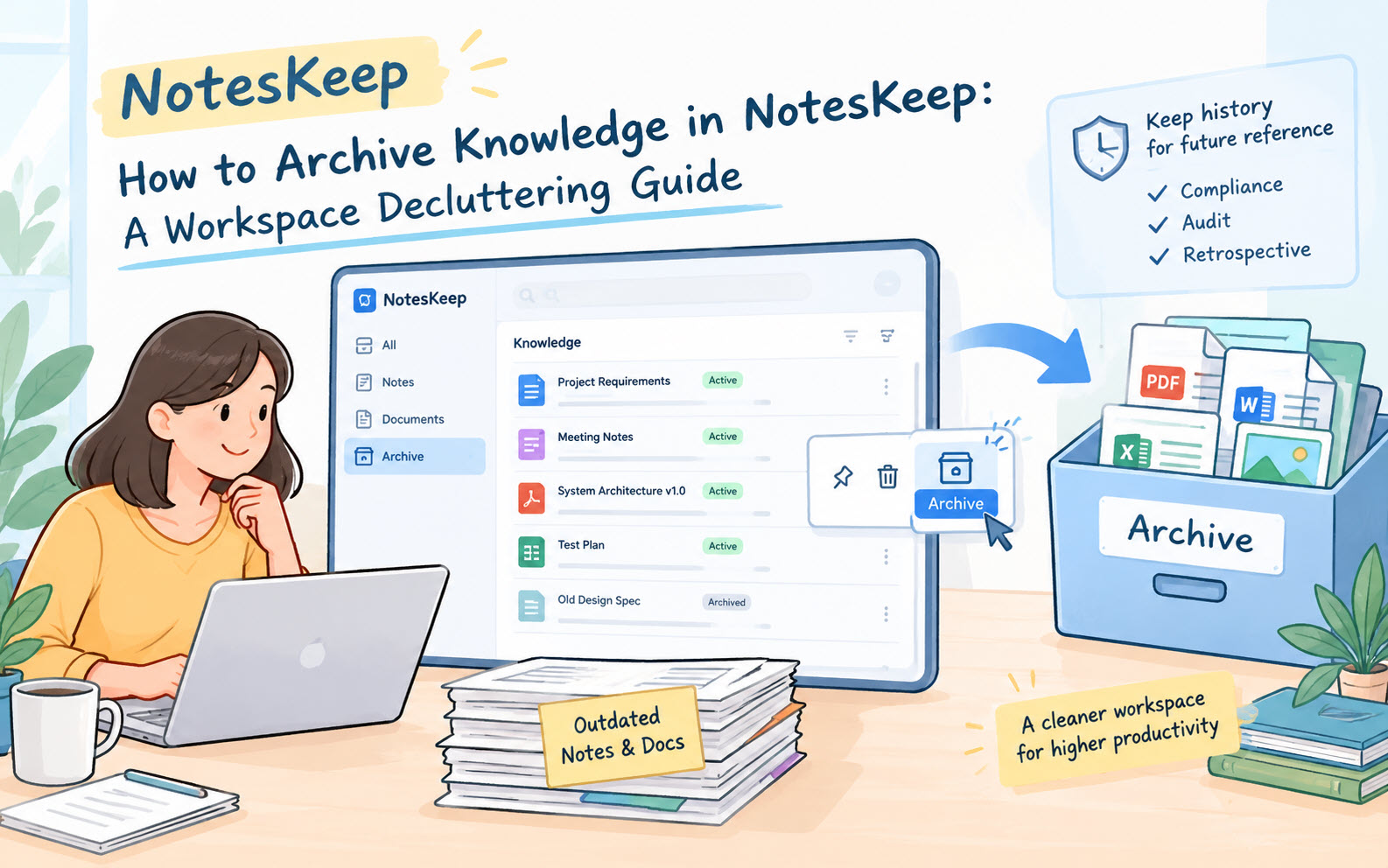
Over the course of long software lifecycles, enterprise projects, and research initiatives, notes and documents naturally become outdated. Superseded technical specifications, deprecated meeting minutes, and legacy requirements can clutter your active workspace. If left unmanaged, this accumulation makes active knowledge harder to find and can clutter team focus. Visual Paradigm NotesKeep addresses this problem with its dedicated Archive feature.
Archiving knowledge allows you to maintain a clean, high-efficiency active workspace while safely preserving historical records for compliance, historical auditing, and future reference.
What Does It Mean to Archive Knowledge in NotesKeep?
Archiving a note or uploaded document removes it from your main active Knowledge list and places it into a segregated Archive view. Unlike permanently deleting a file, archiving preserves all content, metadata, custom tags, and structural formatting intact.
An archived item is safely stored out of sight during daily operations, ensuring your primary project view contains only active, current, and relevant documentation.
When and Why Should You Archive Notes and Documents?
Using the archive capability in NotesKeep provides several operational advantages for project teams and knowledge managers:
- Declutter Active Workspaces: Keep your main project view focused strictly on active deliverables, current sprints, and live specifications without distraction.
- Maintain Historical Ground Truth: Avoid accidentally deleting historical decision logs or older project roadmaps that might be needed for compliance, legal audits, or retrospectives.
- Improve Search & Navigation Efficiency: Reduce visual noise when browsing active notes, allowing team members to find relevant current files much faster.
- Prevent Permanent Data Loss: Serve as an intermediate storage stage before deciding whether a piece of knowledge should ever be permanently deleted.
How to Archive Notes and Documents (Step-by-Step)
Archiving knowledge items in NotesKeep takes only a couple of clicks directly from your workspace grid or list view:
- Locate the Note or Document:
Open your active project in NotesKeep and navigate to the main Knowledge page where your entries are listed. - Hover Over the Target Entry:
Move your mouse cursor over the note card or document entry you want to remove from the active view. A bottom action toolbar will appear on the card. - Click “Archive”:
Click the Archive button on the bottom action toolbar. NotesKeep will immediately move the selected item out of your active workspace and into the Archive repository.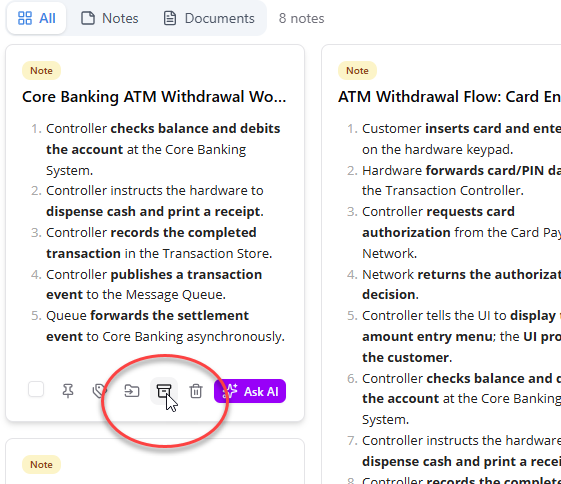
How to Access and Manage Archived Knowledge
If you ever need to inspect, consult, or review archived materials, accessing them is straightforward:
- Open the Left Navigation Menu:
Look at the main menu sidebar on the left side of your NotesKeep interface. - Select “Archive” View:
Click on the Archive menu item. This opens the dedicated Archive view where all your archived notes and documents are stored securely. - Review or Restore Entries:
In this view, you can search and read archived entries, or restore them back to your active project workspace if they become relevant again.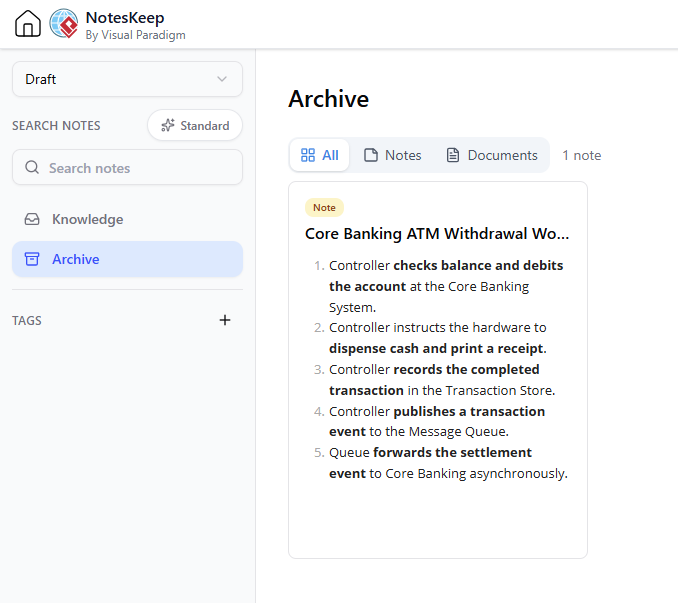
Best Practices for Archiving Project Knowledge
To maintain a high-performing knowledge base, consider these maintenance tips:
- Conduct Regular Workspace Audits: At the end of each project milestone or sprint, archive completed task notes and outdated draft specifications.
- Archive Superceded Specs: When a major architecture decision changes, draft the new note, tag it as active, and archive the old version to keep active guidelines unambiguous.
- Differentiate Archive from Trash: Use the Archive feature for historical records you may need later, and reserve the Trash/Soft Delete function only for duplicate or unwanted files.
Frequently Asked Questions (FAQ)
Is archiving a document the same as deleting it?
No. Deleting moves a file to the trash for soft deletion, whereas archiving indefinitely retains the note or document in a hidden historical repository where it can be reviewed or restored at any time.
Can I unarchive a note and restore it to my active workspace?
Yes. You can open the Archive view from the left menu at any time, select the archived entry, and restore it back to your active project workspace.
Are archived notes still accessible to team members?
Yes, team members with access to the project workspace can visit the Archive view to inspect historical documentation whenever needed.