

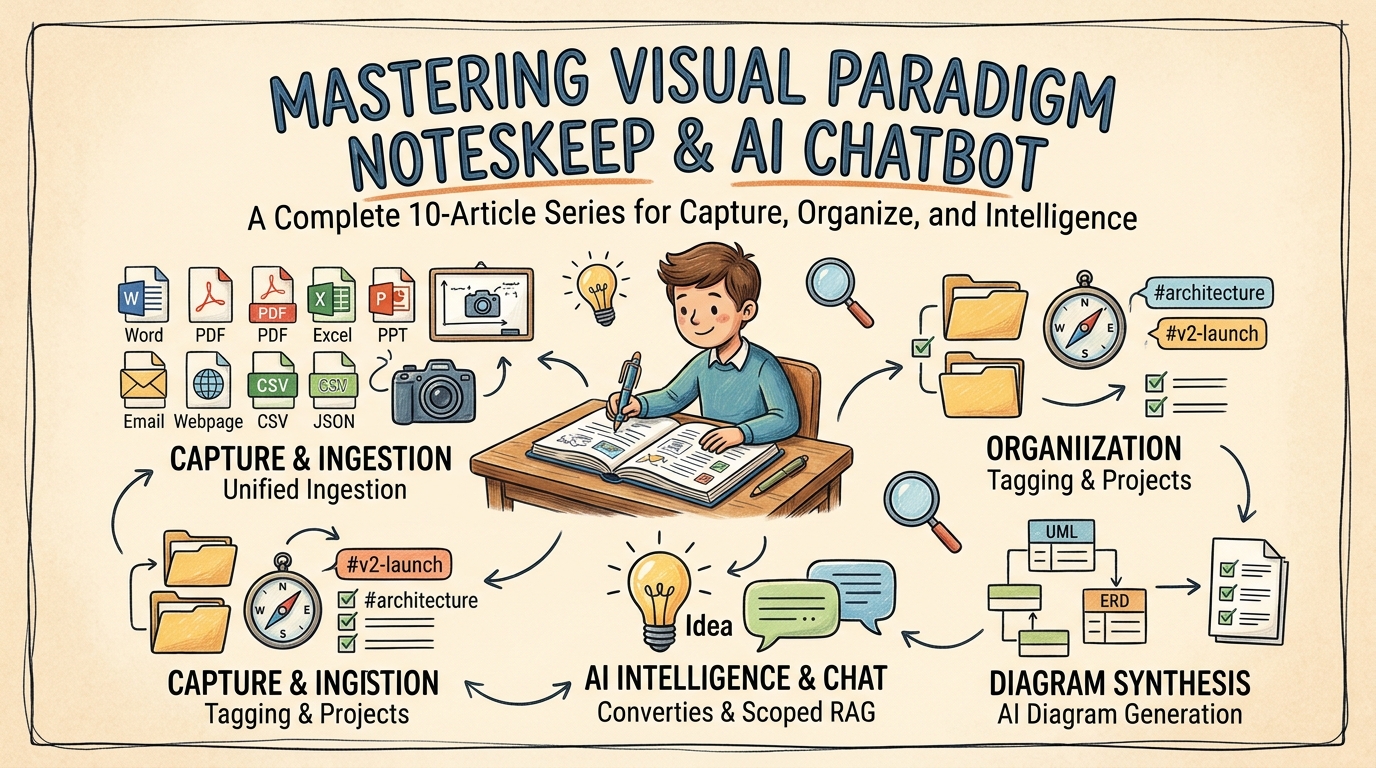
Welcome to the official user guide hub for Visual Paradigm NotesKeep and the Visual Paradigm AI Chatbot Ecosystem. NotesKeep serves as your centralized single source of truth, transforming static document management and raw note-taking into an active, AI-powered knowledge base.
Whether you are capturing initial meeting minutes, ingesting multi-format enterprise files, organizing knowledge across project teams, or generating software engineering diagrams using artificial intelligence, our step-by-step tutorials below will help you master every aspect of the platform.
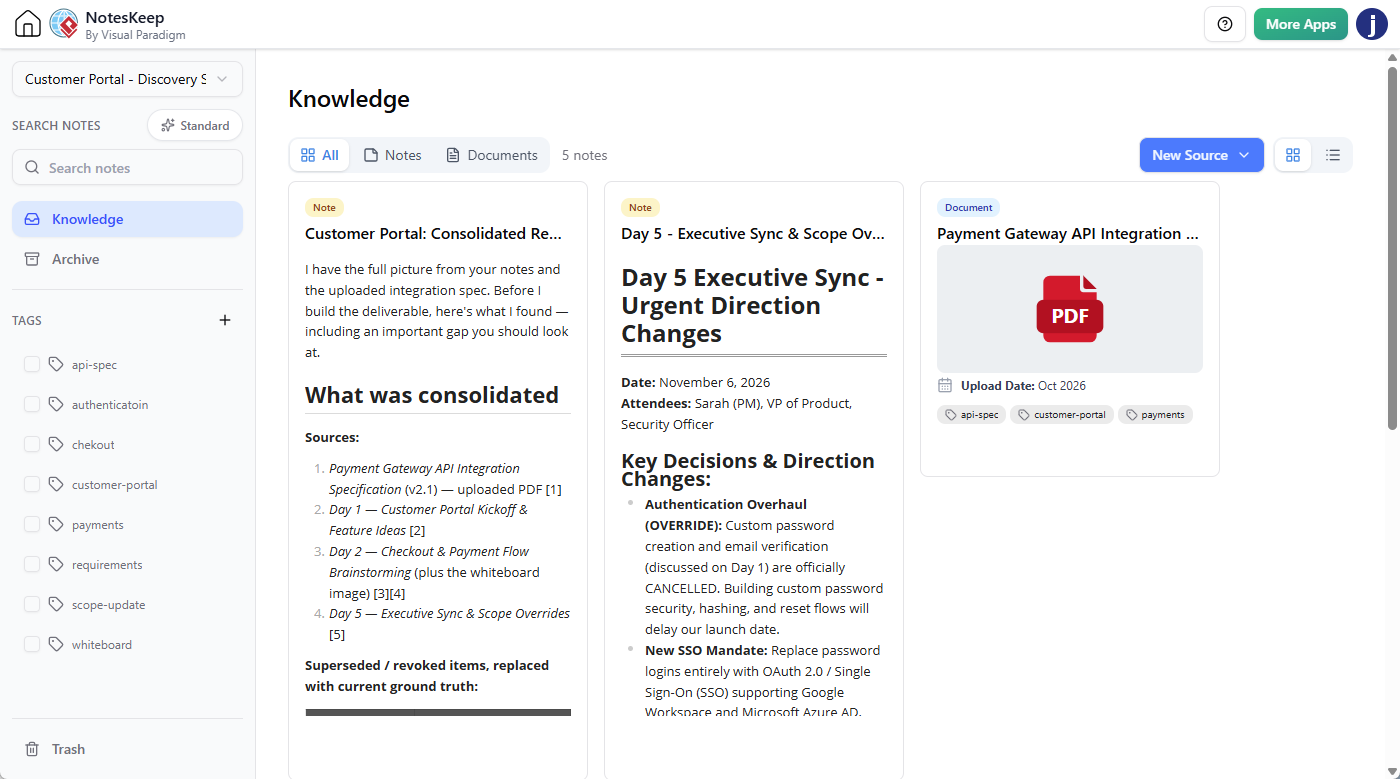
Getting Started: Note-Taking & Knowledge Capture
Learn how to capture raw ideas, structure rich-text specifications, and fetch web content directly into your workspace.
- How to Write Notes in NotesKeep: A Complete Step-by-Step Guide
Discover how to use the WYSIWYG editor to write, style, and tag rich-text notes that automatically feed directly into the AI Knowledge Intelligence engine. - How to Create a Note from Content of a Web Page
Learn how to use URL Content Fetching to import, extract, and clean live website content, removing clutter and advertisements to create editable notes.
Document Management & Universal File Ingestion
Centralize scattered enterprise files and digitize visual assets across your entire organization.
- How to Keep My Documents in NotesKeep: A Complete Upload Guide
Explore how to upload and store Word documents, PDFs, Excel spreadsheets, PowerPoint decks, JSON schemas, and images into an AI-ready team workspace. - How to Digitize Whiteboard Photos & OCR Specifications
See how NotesKeep utilizes Optical Character Recognition (OCR) and computer vision to extract text labels, structural shapes, and annotations from whiteboard photos and scanned PDFs.
Organization, Workspace Scoping & Categorization
Keep your growing knowledge base structured, navigable, and prioritized for team collaboration.
- How to Tag My Knowledge in NotesKeep: Categorization & Filtering Guide
Master multi-dimensional tagging to classify notes and documents, and utilize dedicated Tag Views for instant metadata navigation. - How to Organize My Knowledge into Projects in NotesKeep
Learn how project-based workspace isolation keeps departmental knowledge segregated and improves AI Chatbot reasoning precision. - How to Re-Order, Pin, and Manage Priority Knowledge
Learn how to pin critical resources to the top of your workspace, customize note sequences with drag-and-drop, and switch between Grid and List views. - How to Archive Knowledge in NotesKeep: Workspace Decluttering Guide
Understand how to safely archive legacy notes and outdated specifications to declutter your active workspace while preserving historical audit records.
AI Knowledge Intelligence & Diagram Synthesis
Unlock Retrieval-Augmented Generation (RAG), conversational queries, inline source citations, and automated visual modeling.
- How to Ask Questions About My Notes & Documents with AI
Discover how to query your knowledge base using the Visual Paradigm Chatbot, complete with scoped RAG search and clickable inline source citations. - How to Generate Technical Diagrams from Notes & Documents with AI
Learn how to convert unstructured written specifications into formal technical diagrams (UML, ERD, BPMN, flowcharts, mind maps) and commit them back to NotesKeep.
Frequently Asked Questions About NotesKeep
What is Visual Paradigm NotesKeep?
Visual Paradigm NotesKeep is an AI-powered knowledge management platform that combines rich-text note creation, multi-format document management, and automated visual synthesis into a centralized single source of truth for enterprise project teams.
How does NotesKeep work with the Visual Paradigm Chatbot?
NotesKeep parses and embeds saved notes, web imports, and uploaded documents into a semantic vector index. When using the Visual Paradigm Chatbot with “Search in NotesKeep” enabled, the AI performs Retrieval-Augmented Generation (RAG) to answer questions, audit conflicting requirements, and generate technical diagrams based on your exact project files.
What file formats are supported by NotesKeep?
NotesKeep supports universal multi-format ingestion, including Word files (.docx), PDFs (digital and scanned), Excel spreadsheets (.xlsx, .csv), presentations (.pptx), plain text, Markdown, data schemas (.json, .yaml, .xml), and images (.png, .jpg, .svg, .heic).